Welcome to GZ Academy: How to Sign Up
Get your staff set up with GZ Academy so they can access learning content, webinars, and more for ChamberMaster, MemberZone, GrowthZone, and MemberSuite. Follow these simple steps to complete your registration and start exploring the GZ Academy Hub- the link to your GZ Academy Learning courses and your GZ Academy Community!
PLEASE NOTE: It may take up to 24 hours for your new login to sync to GZ Academy Community. If you're having trouble logging in, wait until the next morning and you should be good to go!
Step 2: Enter your email address in the Contact Information field. Click Go.
Step 3: Enter your first and last name and click Continue to move forward.
Step 4: Under Registration Options, set the quantity to 1 and click Continue.
Step 5: Select yourself as the attendee, fill in any additional information requested, then click Continue.
Step 6: Review your details and complete your registration. On the confirmation page, you'll see links to the GZ Academy Hub. You can click this link OR check your email for a confirmation message; the link is the same in either case.
Step 7: Click the link to visit the GZ Academy Hub and begin creating your account.
Step 9: On the account creation page, click Submit.
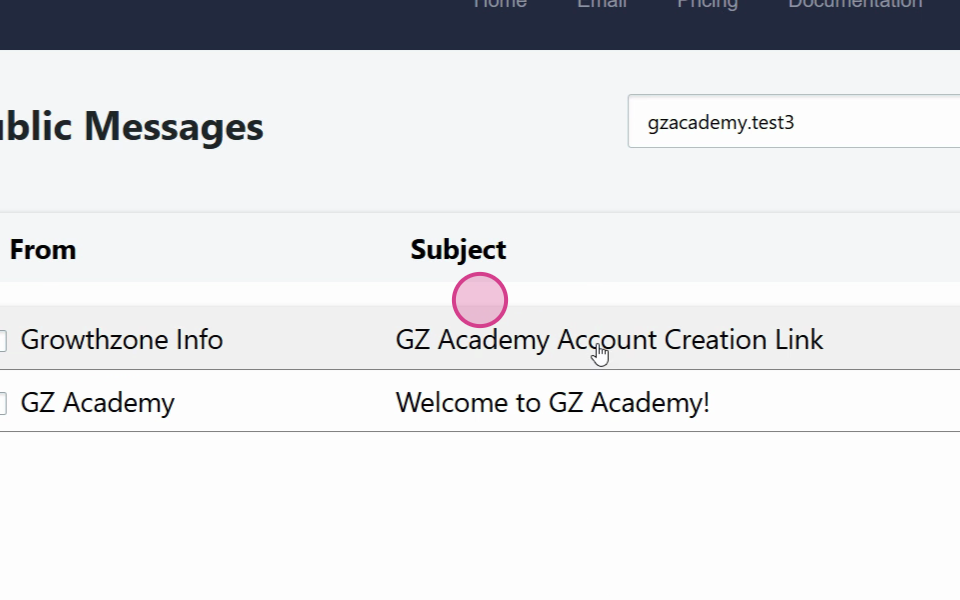
Step 10: After submitting, watch for an activation email in your inbox. Click the account creation link provided in that message.
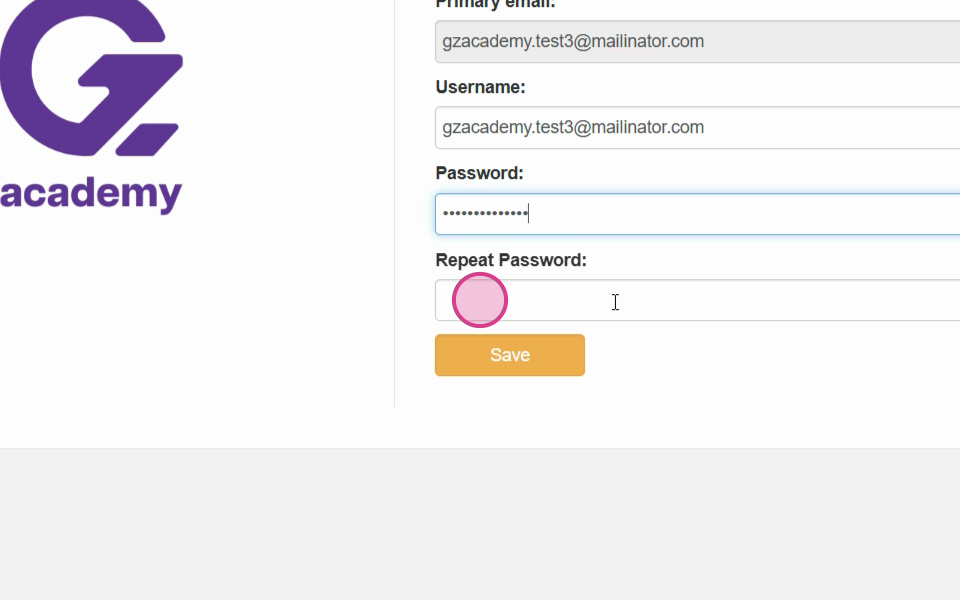
Step 11: Set a password for your new account. If passwords don't match, re-enter them and try again. Once your password is set, click Save.
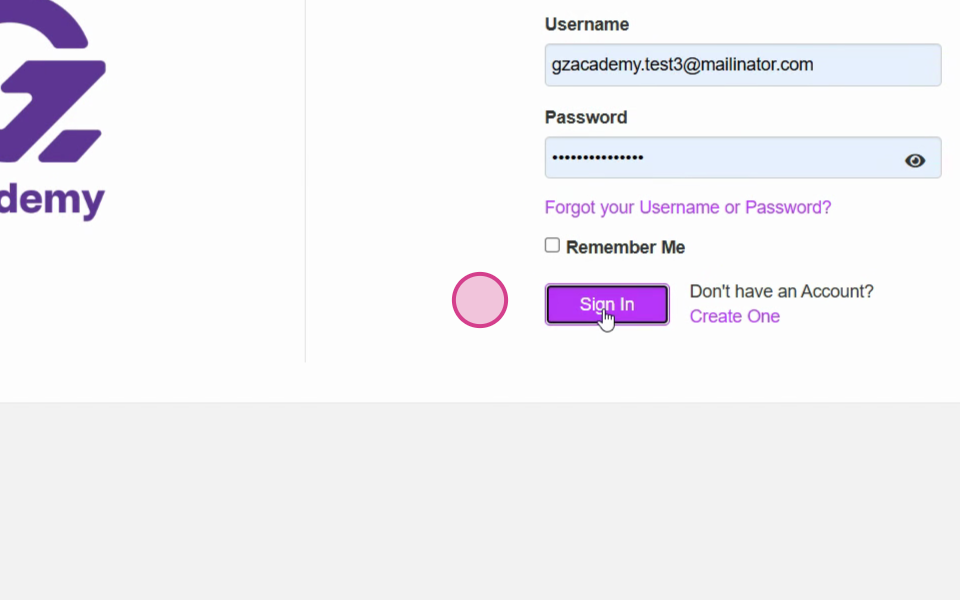
Step 12: You will be taken to the login screen; re-enter your username and password then select Sign In to log into your account.
Step 13: You'll land in the Growth Zone Academy Hub. Review and accept the terms and conditions if prompted.
Once inside the Academy Hub, you can access your GZ Academy Community for peer groups and Live sessions and GZ Academy Learning for online courses. You’re all set to start taking advantage of GZ Academy’s resources. Happy learning!